Skip to content

B2B infrastructure for digital access

Digital infrastructure for tickets and access

DigTic issues tickets, keys and access rights as signed tokens — delivered straight to Apple Wallet and Google Wallet.

Already a customer? Log in

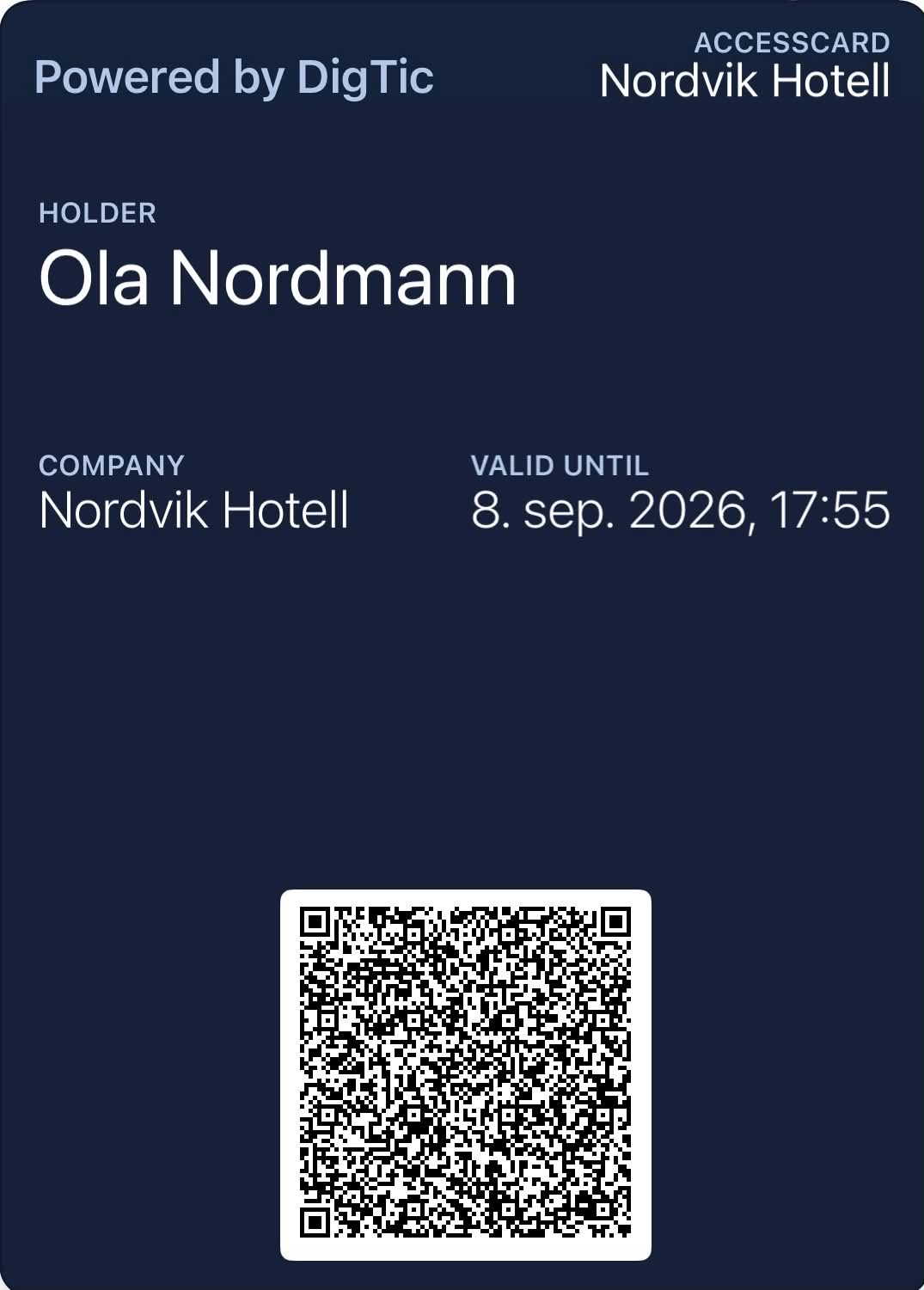
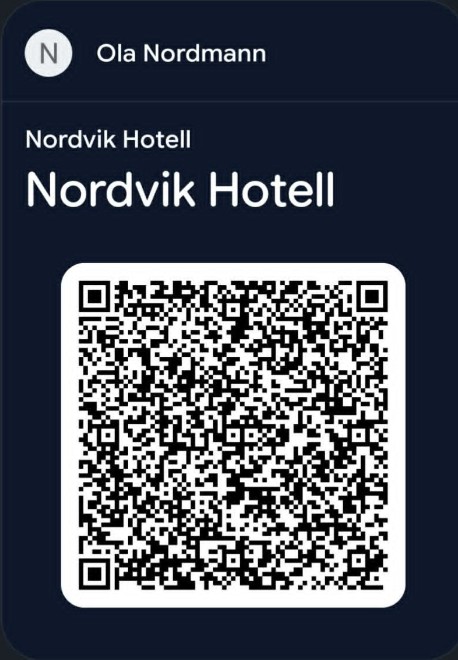
Google Wallet — DigTic AccessCard, Nordvik Hotell (Ola Nordmann) Apple Wallet — DigTic AccessCard, Nordvik Hotell (Ola Nordmann)
Example from Apple Wallet and Google Wallet

What DigTic is

One platform for tickets, keys and access.

DigTic is infrastructure, not a consumer app. We connect the systems you already have, so access rights can be issued and verified in one place.

Delivered to the mobile wallet

Digital credentials are delivered to Apple Wallet and Google Wallet, so users can store and present them directly from their phone.

Connects what you have

DigTic is designed to integrate with existing systems and reduce the friction between them — not necessarily replace them.

One integration, many use cases

Partners integrate once with DigTic and use the same platform model for several access use cases.

Use cases today

  • Hotels and stays
  • Events and venues
  • Businesses and buildings
  • Memberships
  • Staff and suppliers

Platform

Issue once. Keep control.

Add the access credential to Apple Wallet or Google Wallet. DigTic decides whether it’s still accepted when it’s used.

  1. Issue

    A credential is issued from the portal or through the DigTic Core API.

  2. Deliver to wallet

    The credential is added to Apple Wallet or Google Wallet.

  3. Validate online

    When it is used, the credential is checked online against its current status.

  4. Revoke or expire

    Revoked or expired credentials are rejected at validation.

Built on DigTic Core APIissue · validate · use · revoke

Products

Two products on the same platform.

Both are delivered to Apple Wallet and Google Wallet and validated online against their current status. The difference is how they are used.

Apple Wallet — DigTic AccessCard, Nordvik Hotell (Ola Nordmann) Google Wallet — DigTic AccessCard, Nordvik Hotell (Ola Nordmann)
Example from Apple Wallet and Google Wallet

Product

AccessCard

A reusable access credential in the mobile wallet — for buildings, rooms, members and staff. It can be used repeatedly while it is valid, and complements existing access cards.

Opening doors, gates or locks requires integration with the access system on site, and is agreed per project.

  • Corporate access. Complement plastic cards with wallet-based credentials for offices and buildings.
  • Hotel rooms and stays. One digital credential for the stay and services — including room access where the lock system is integrated.
  • Members and loyalty. A reusable digital credential for benefits and access.
  • Staff and suppliers. Temporary or role-based access for staff, contractors and suppliers.
Illustration

Product

EventPass

A digital ticket for an event, issued to an individual attendee and delivered to Apple Wallet or Google Wallet. When the ticket is scanned, it is validated online against its current status, and it is valid for one check-in.

  • One ticket per attendee. Each attendee gets their own ticket in their wallet.
  • Validated when scanned. Current status, including revocation and expiry, is checked online.
  • One check-in. Once the ticket has been checked in, it is rejected at the next scan, so the same ticket can’t be used twice.
AccessCardA reusable access credential — used repeatedly while it is valid.
EventPassA ticket for an event — one check-in per ticket.

B2B Infrastructure

Connect once. Use the ecosystem many times.

DigTic is a shared infrastructure layer for digital tickets, keys and access rights — connecting the systems partners already run, without replacing them.

  • Keep your ticketing system
  • Keep your access platform
  • Keep your customer relationship
Read about B2B infrastructure →
DigTic Hotels Events and venues Access systems Digital wallets Partner apps
  • Hotels
  • Events and venues
  • Access systems
  • Digital wallets
  • Partner apps

Conceptual illustration — not a system, network or operations diagram.

Security

Built with security as a core principle.

We handle detailed security questions in a controlled partner or NDA dialogue.

Controlled access

Access to the platform is controlled.

Signed credentials

The credentials that are issued are signed and can be verified.

Status at validation

Current status, including revocation and expiry, is checked when the credential is validated.

Pricing

You pay for digital rights that are actually issued. Scanning, validation and lookups cost nothing.

Pay as you go

NOK 3 per AccessCard
NOK 1 per EventPass

No commitment. You pay only for what you issue.

  • No monthly fee
Get started

Pro

NOK 999 / mo.

For higher volume and several use cases at once.

  • 400 AccessCards included per monththen NOK 1.50 per AccessCard
  • 500 EventPasses included per monththen NOK 0.50 per EventPass
Contact us

Enterprise

Custom

High volume, specific requirements.

  • Tailored terms, volume and integrations. Get in touch and we will find the right setup.
Contact us

All prices are in NOK, excluding VAT. Plans are set up together with us — get in touch and we will arrange it.

Frequently asked questions

Quick answers for customers and partners.

Partner / customer 6
How do we become a partner?

Contact DigTic by email at post@digtic.no. We will follow up to understand your use case and integration needs.

How do we become a pilot customer?

Email us at post@digtic.no and describe the use case you want to test. We normally start with one focused pilot flow.

What happens after we get in touch?

DigTic reviews your enquiry, contacts the relevant person, and agrees on the next step: demo, pilot, or technical walkthrough.

Do we need internal API developers?

For a full integration, yes. For early testing or a pilot, DigTic can help define a lightweight setup.

How long does a pilot normally take?

A pilot can usually start with a limited scope and one clear use case. The exact timeline depends on integration complexity.

Do we need to use real company details to test DigTic?

For demo and evaluation purposes, temporary or test company details can be used.

Sandbox & testing 5
How do I get started in Sandbox?

Follow the getting-started guide at digtic.no/kom-i-gang/ (in Norwegian): you create a user in the DigTic portal, register your company and get your own test environment (Sandbox) straight away. Need help? Contact us at post@digtic.no.

How do I create my first credential?

Once your company is registered, you can issue a test credential from the portal or through the API, depending on your access level.

Should I test on mobile or desktop?

Desktop is useful for testing the portal flow, but mobile testing is recommended for wallet delivery and real user experience.

Why is Safari recommended for Apple Wallet?

For Apple Wallet testing, Safari on iPhone is recommended because Apple Wallet flows work best through Safari and iOS.

What do I do if the Wallet button does not work?

Try again on iPhone using Safari. If it still does not work, contact DigTic so we can help verify the setup.

Platform 5
What is DigTic?

DigTic is an API-first platform for digital tickets, keys and access rights delivered to mobile wallets.

What does "one API for tickets, keys and access" mean?

It means partners can integrate once with DigTic and use the same platform model for multiple access use cases.

Does DigTic replace our existing systems?

Not necessarily. DigTic is designed to integrate with existing systems and reduce friction between them.

Can DigTic complement access cards or hotel key cards?

DigTic can complement physical access cards and hotel key cards with wallet credentials that are checked online when they are validated. Opening doors, gates or locks requires integration with the reader or access-control system on site, which is agreed per project.

How does DigTic use Apple Wallet and Google Wallet?

DigTic can deliver digital credentials to mobile wallets so users can store and present access rights directly from their phone.

Contact

Tell us about your use case.

We will help you find the right setup. The next step is normally a demo, a pilot or a technical walkthrough.